Offline first
Your projects live as files on your own disk. Cloud sync is a switch you flip, never a default — and it never carries your secrets.
OpenMT LLC · Open Mind Technologies
An independent technology studio founded by Alptuğ Köktürk. We make tools that get out of the way — and worlds that pull you in.
The studio
No accounts you didn't ask for. No cloud you can't switch off. OpenMT builds quiet, fast tools that respect your work and your machine — and, next, the games we grew up wanting to make.
Your projects live as files on your own disk. Cloud sync is a switch you flip, never a default — and it never carries your secrets.
Every screen has to earn its place. We ship features that answer a question a writer actually asked, not dashboards that look busy.
A Rust-backed native shell with a modern web core. Small installers, fast cold starts, and a file format you can still open in ten years.
Flagship product · Division 01
v3.0.8Windows 10 & 11English / Türkçe
Stories, characters, maps, chronologies, economies, notes and poetry — every part of a project in one offline workspace. Keep scrolling: the app below is live, and it moves with you.
01Story & structure
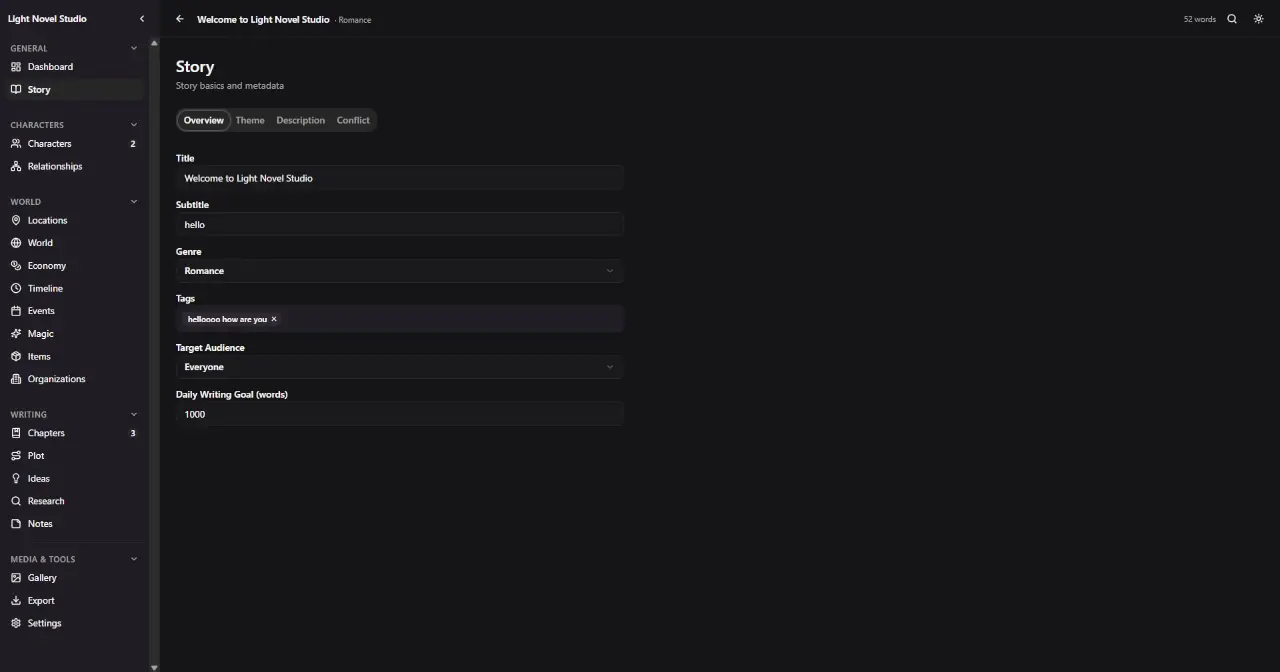
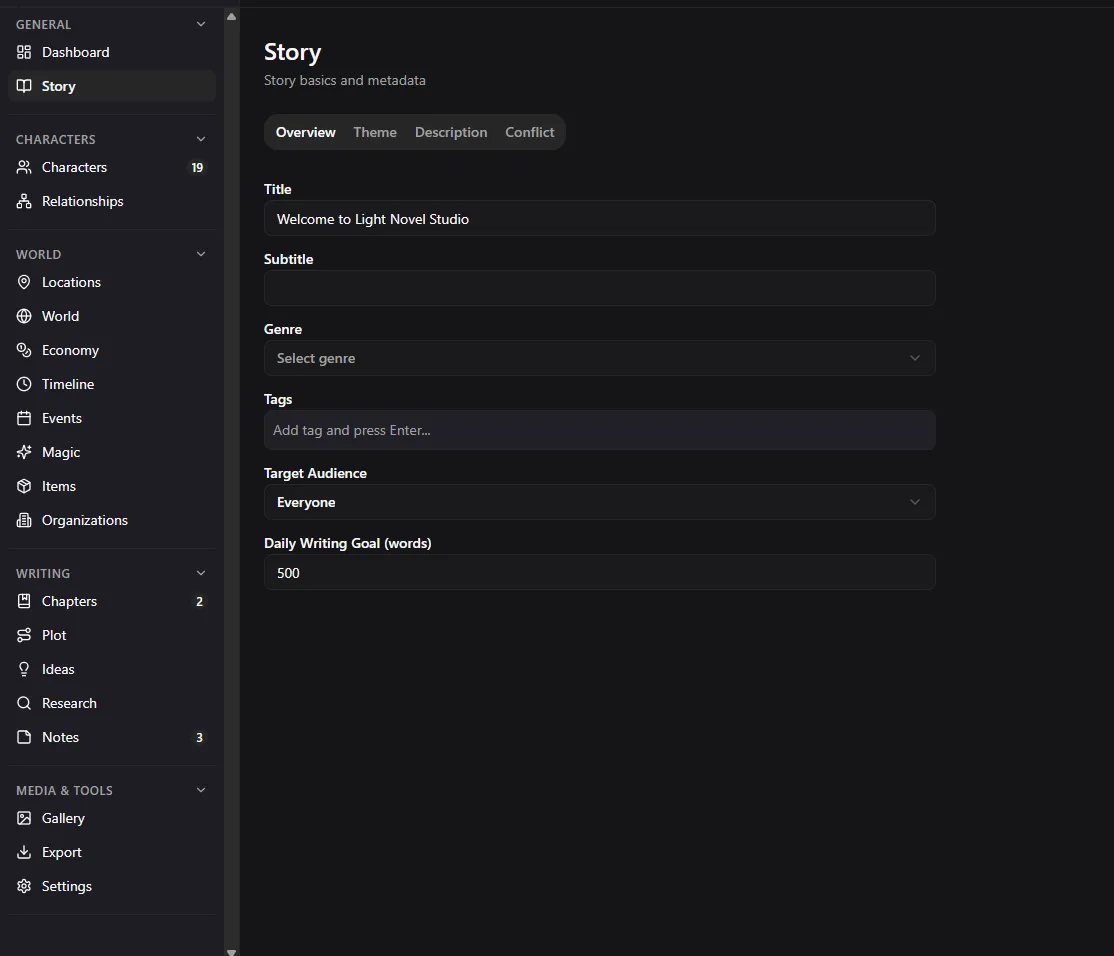
Start with the essentials — title, subtitle, genre, tags and the audience you are actually writing for.
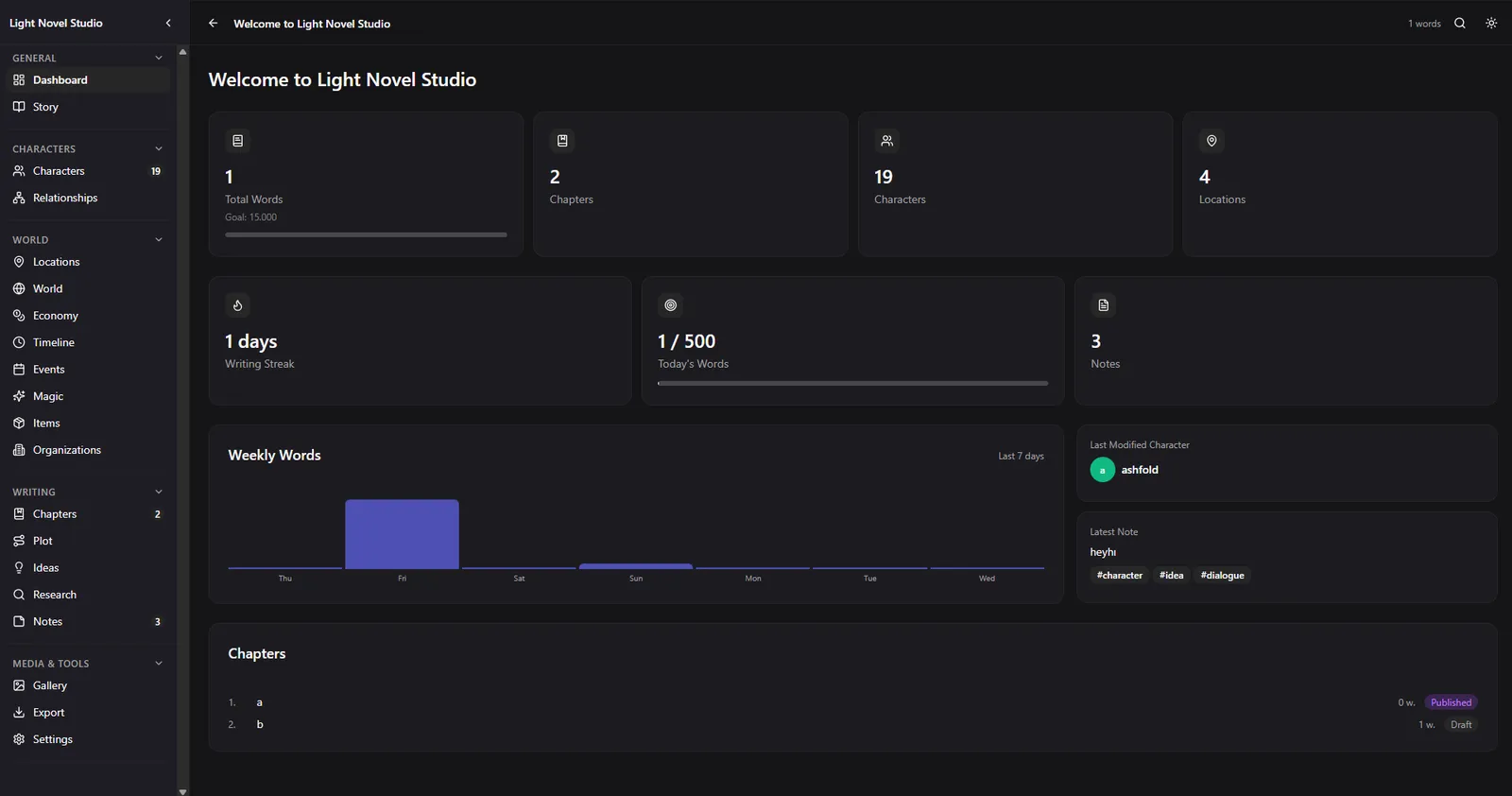
Set a daily word goal once, and the dashboard quietly keeps score: a seven-day graph and a streak that only counts the days you wrote.
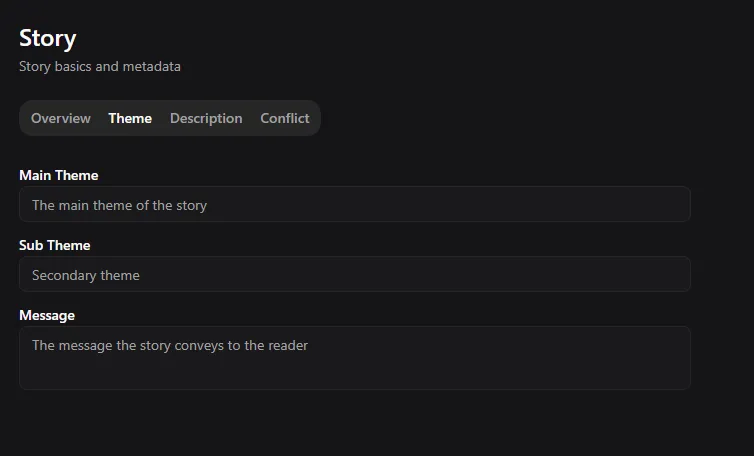
Then go deeper. Theme, description, the main conflict and every sub-conflict feeding it — all attached to the project, not to a loose document.
02Characters
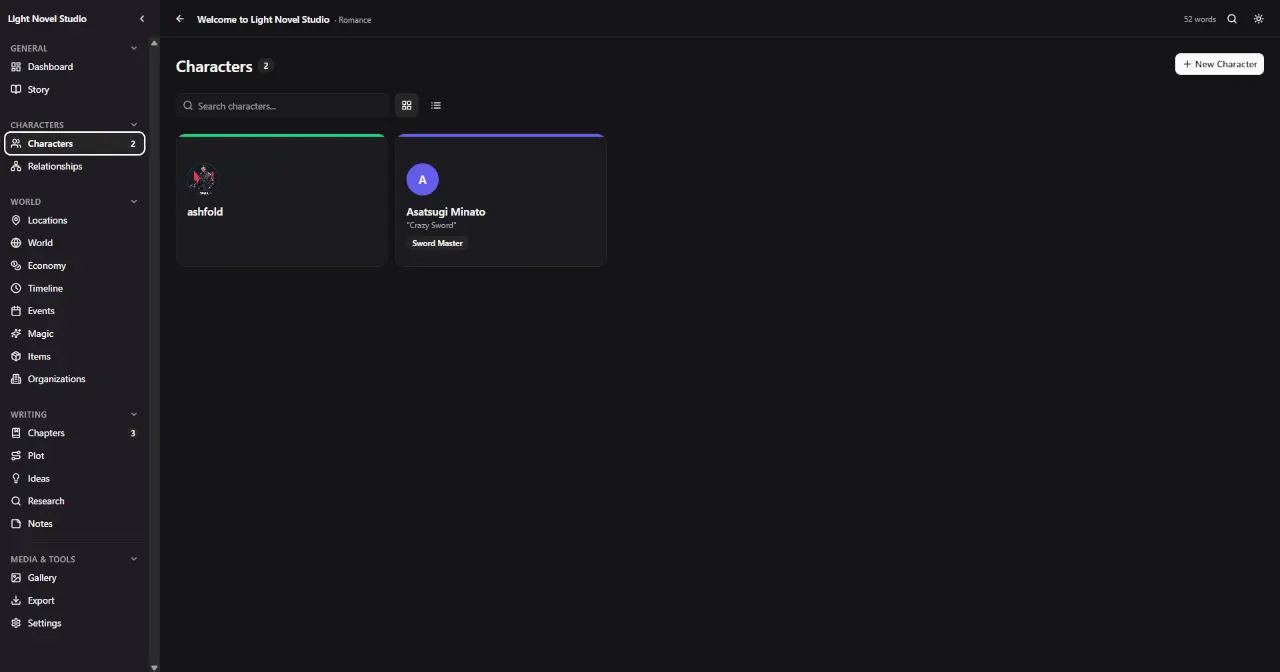
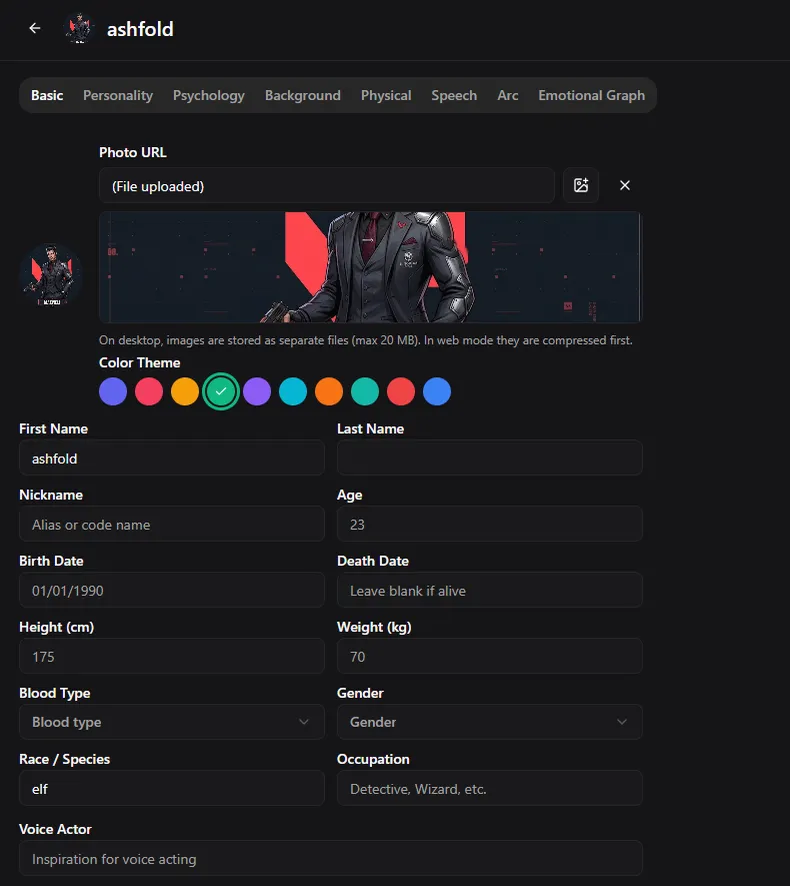
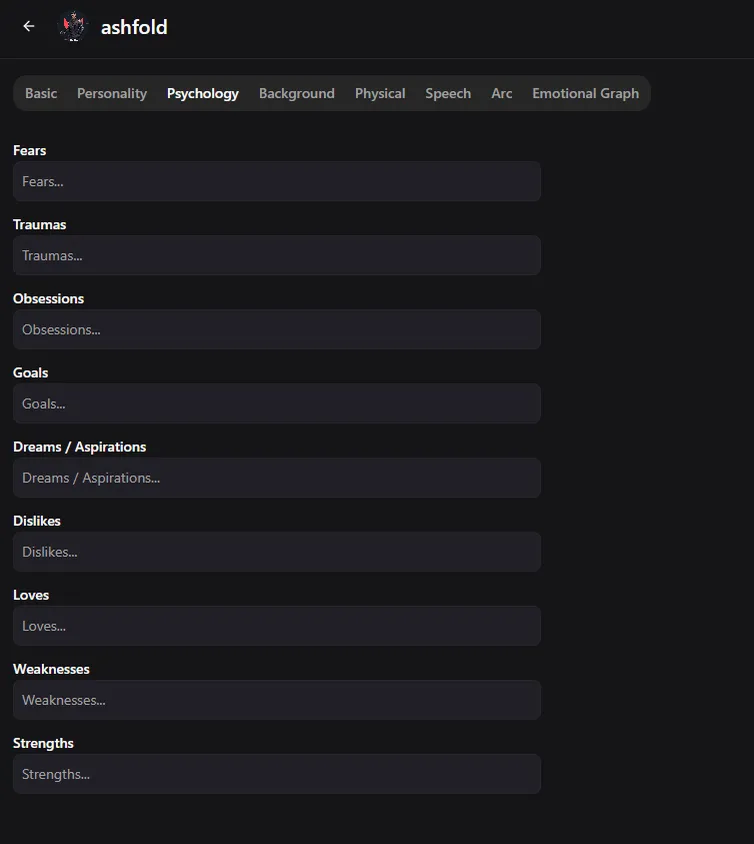
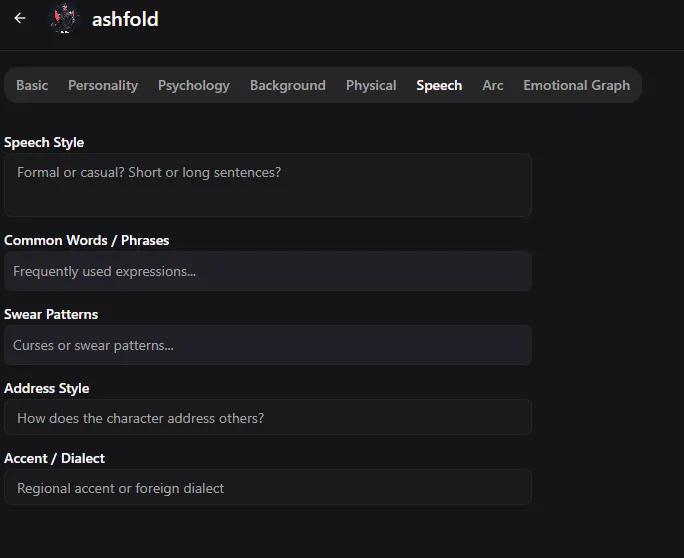
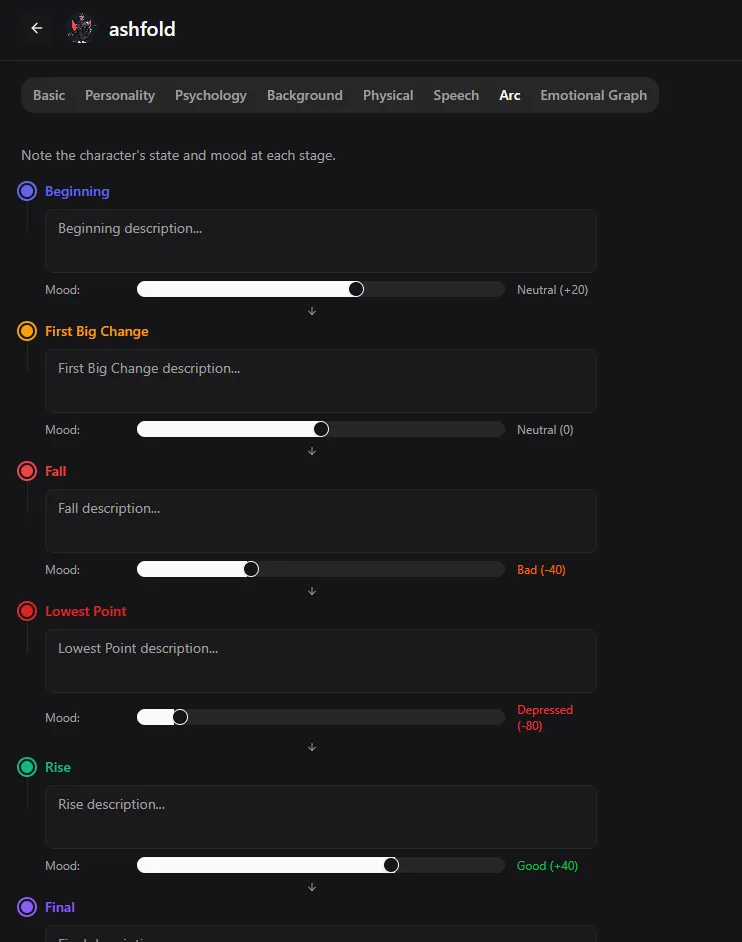
Eight tabs per character: basic, personality, psychology, background, physical, speech, arc and an emotional graph.
Ten personality sliders turn a vague intention into something you can write from — introverted to extroverted, generous to greedy, insecure to confident.
Record fears, traumas, obsessions, dreams and weaknesses, then chart a six-stage arc from the first page to the last.
03Relationships
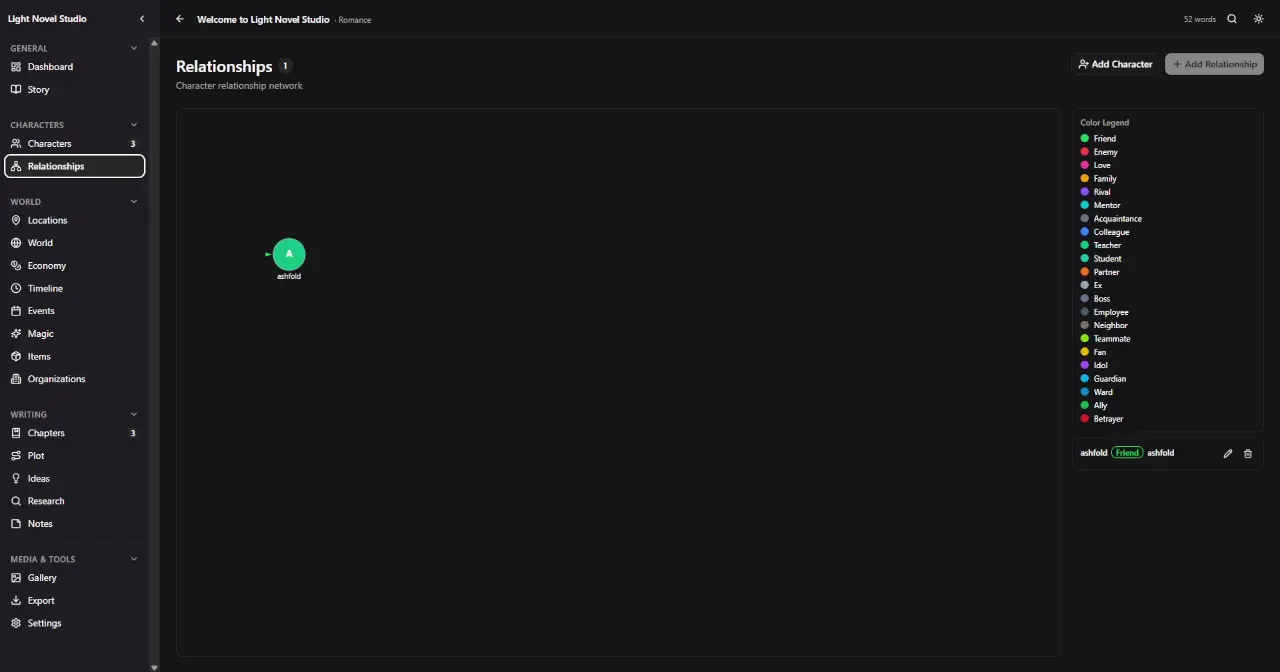
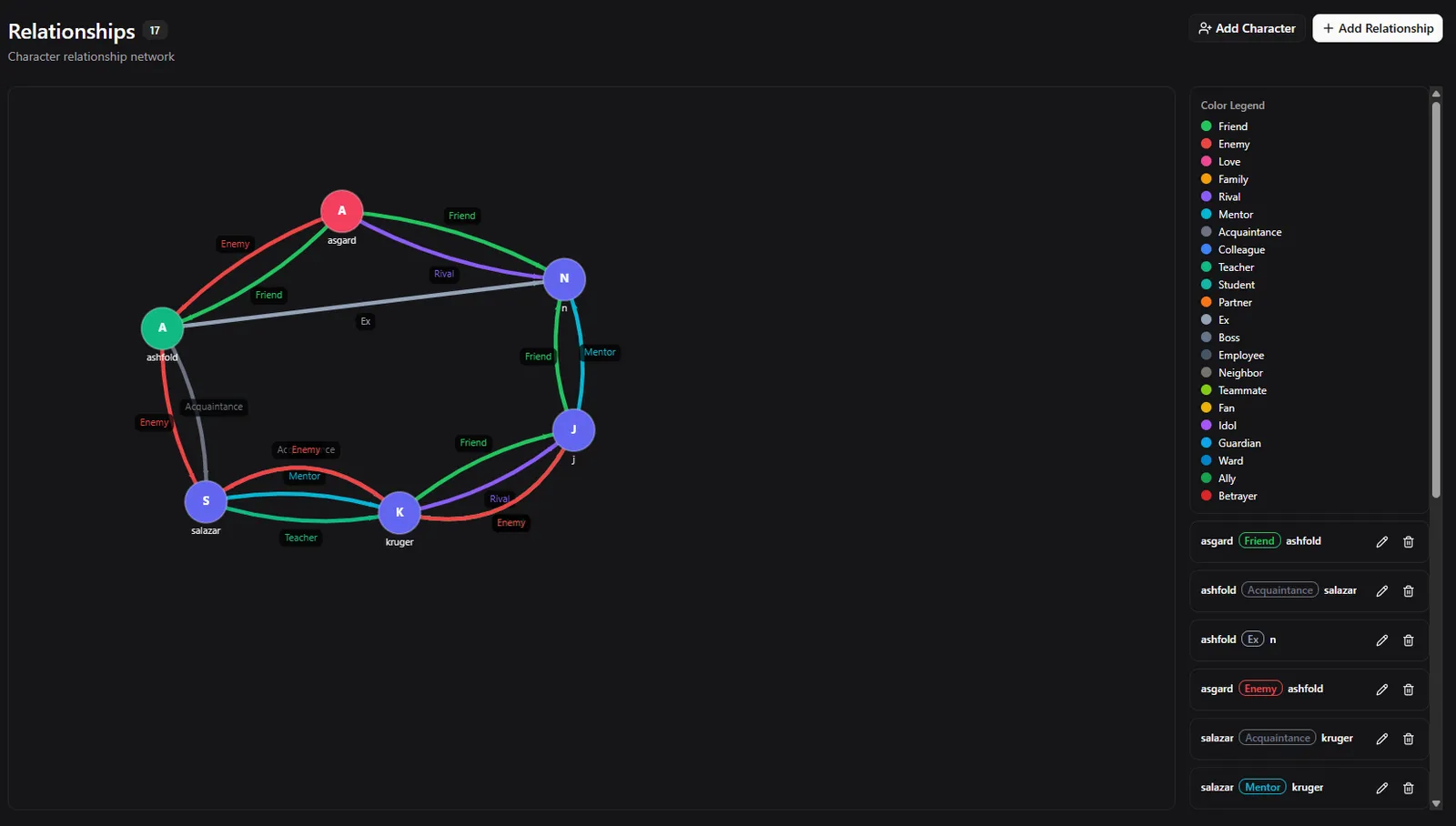
Drop your cast onto a living network and drag each node exactly where it belongs.
Connect them with typed, colour-coded edges — friend, enemy, love, family, rival, mentor, guardian, betrayer and more.
The legend keeps the graph readable as the cast grows, and every link stays editable from the list beside it.
04World building
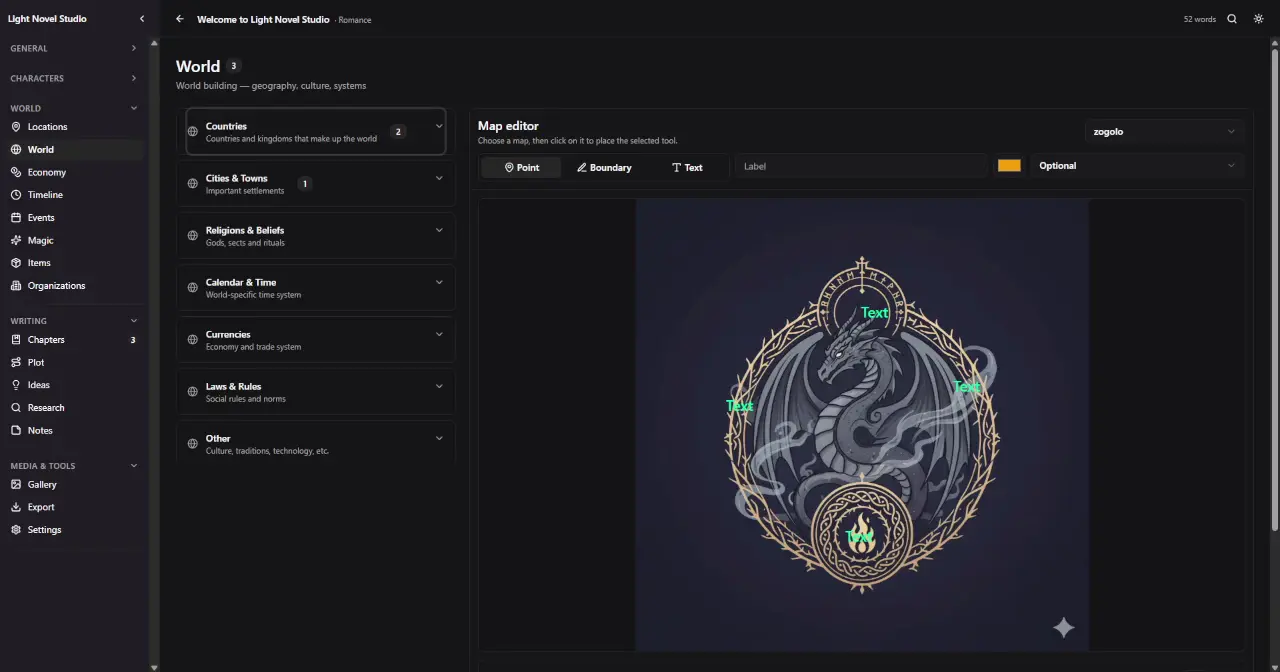
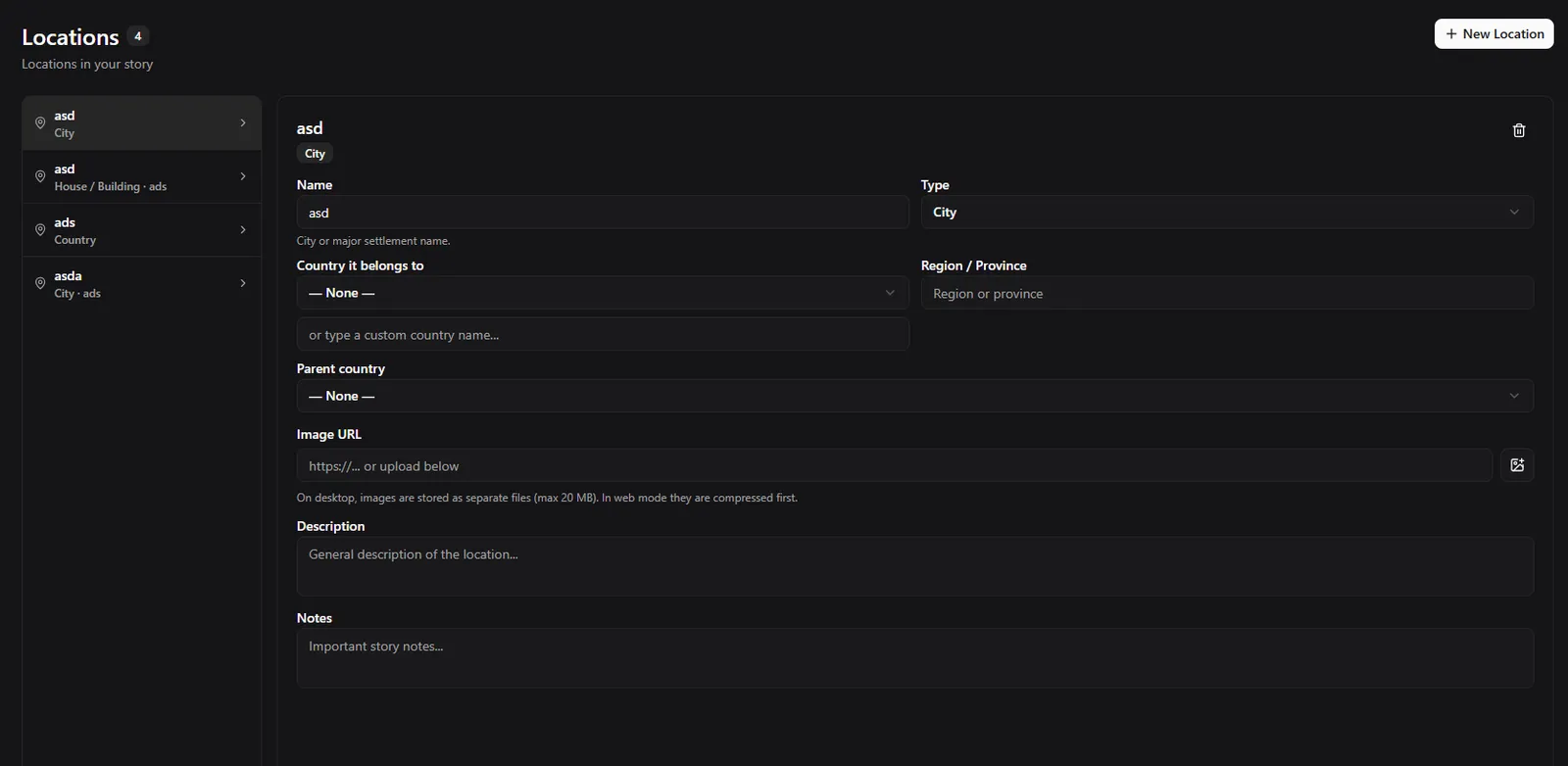
Countries, cities and towns, religions and beliefs, calendars, currencies, laws and customs — filed into categories that stay collapsed until you need them.
Upload a map and annotate it in place: drop points, trace boundaries, set labels, choose colours, rotate and resize the type.
Magic systems, items and organisations sit right beside the geography, so the rules of your world never quietly drift.
05Timeline
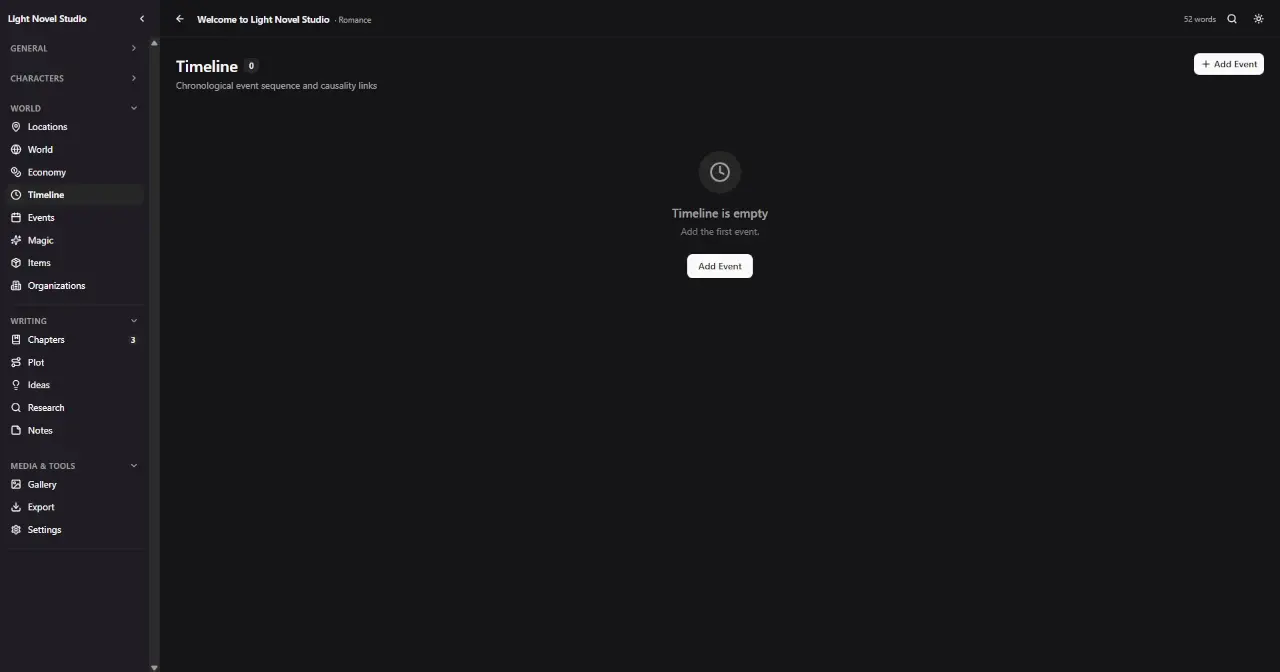
Place events on a chronology with year, month and day, and mark how much each one actually matters.
Ten event types — birth, death, war, discovery, mystery, love, betrayal, climax, turning point, other — each graded low, medium or high.
Link causes to effects, attach the characters and places involved, and the shape of the plot becomes something you can see.
06Economy
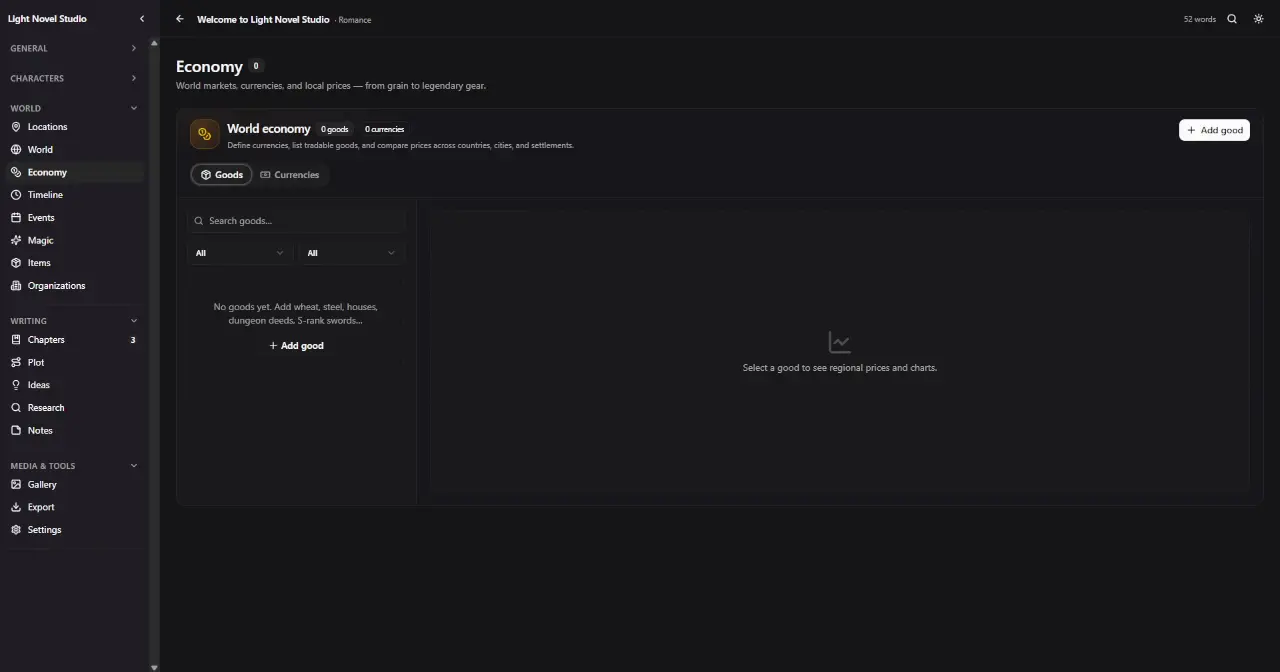
Define your currencies first, then list everything that moves through the world — grain, steel, houses, dungeon deeds, S-rank swords.
Give each market its own prices, country by country, city by city, settlement by settlement.
Then compare regions side by side and watch supply and demand history draw itself as a chart.
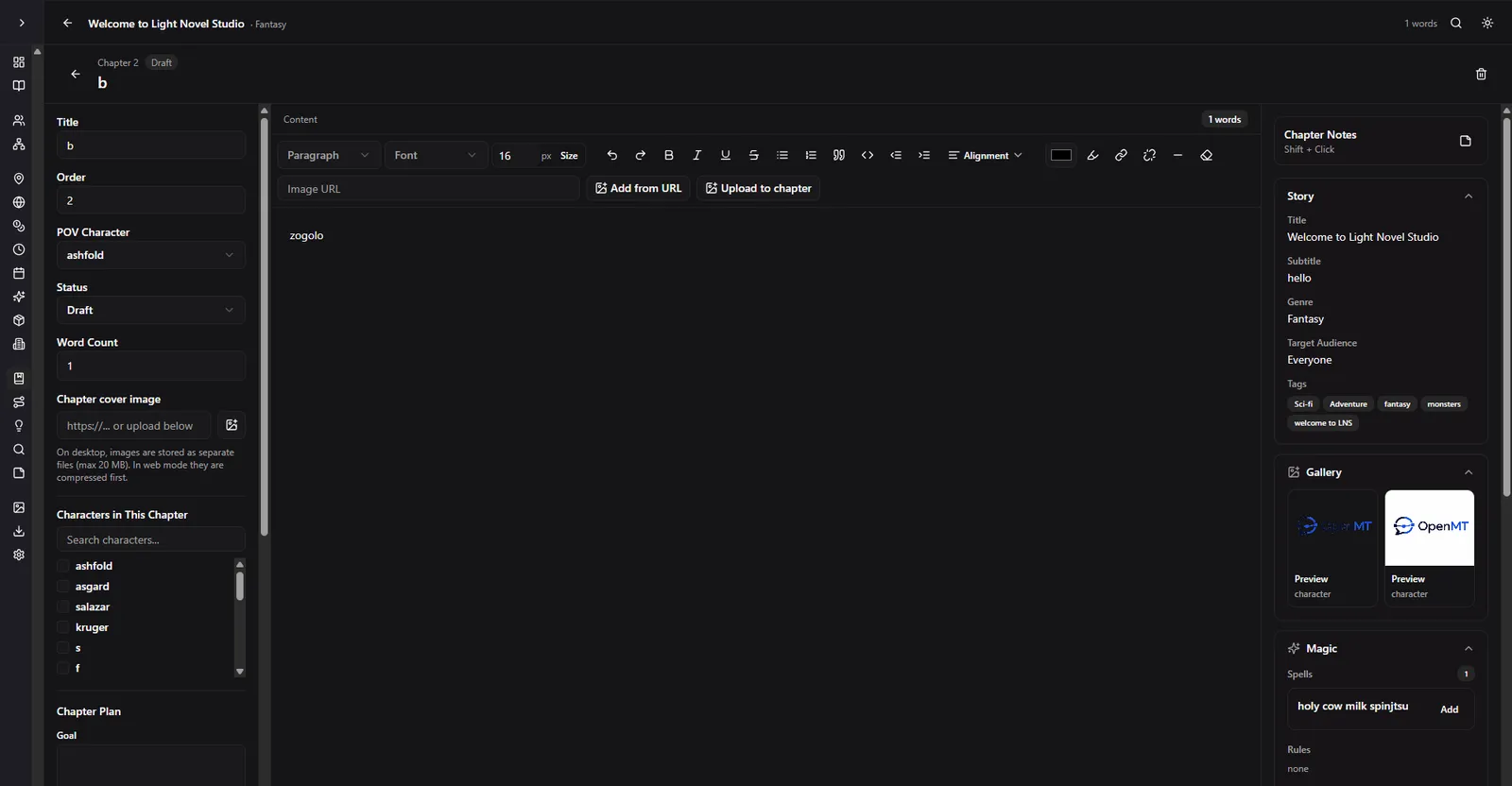
Inside the app
Drag the strip, or let it drift. Every screenshot is the real build, untouched.
Under the hood
Built and tuned for Windows 10 and 11 with an NSIS installer, plus macOS DMG and Linux AppImage / Deb targets. Registers .lns as a native file type.
A Tauri 2 shell over a Rust core, with React 18, TypeScript, Tailwind CSS 4 and Vite 6 driving the interface. Radix primitives keep it keyboard- and screen-reader-friendly.
Projects are JSON files in your own AppData folder, encrypted when the platform allows it. Autosave fires 1.5 seconds after you stop typing, and up to five timestamped backups are kept.
Sync to Cloudflare KV if you want a copy off-machine. It is off by default, requires an account you choose to make, and never uploads keys from the API bank.
TXT, Markdown, PDF, a dedicated character PDF, Wattpad, Royal Road, and a full JSON backup you can carry anywhere.
Open txt, md, json, csv, rtf, fountain and html straight from disk — or a native .lns project handed to you by someone else.
Poetry templates
Free verseCoupletTercetQuatrainAcrosticMâniRubaiGazelKasideBlank canvas
Division 02 · In development
OpenMT was founded to make two things: tools and worlds. The tools shipped first. The games division is early, quiet and unannounced — the same obsession with detail, pointed somewhere new.
Tell me when there's news